Live screen, keyboard and mouse
Pick the quality that fits the moment, switch between displays, and send or fetch the clipboard.
- Auto
- Smooth 60 FPS
- Balanced
- Sharp
- Data saver
 ErtiDesk
Secure remote desktop
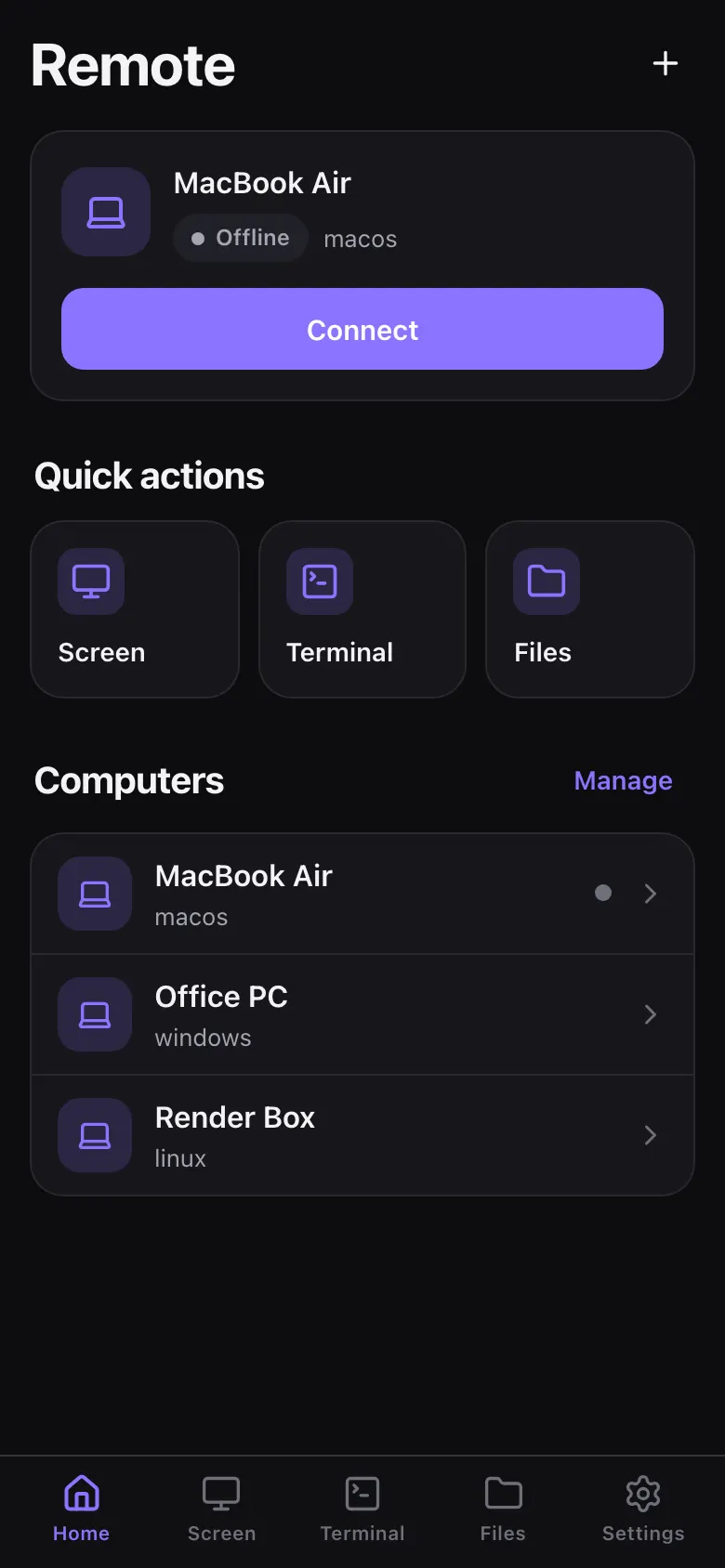
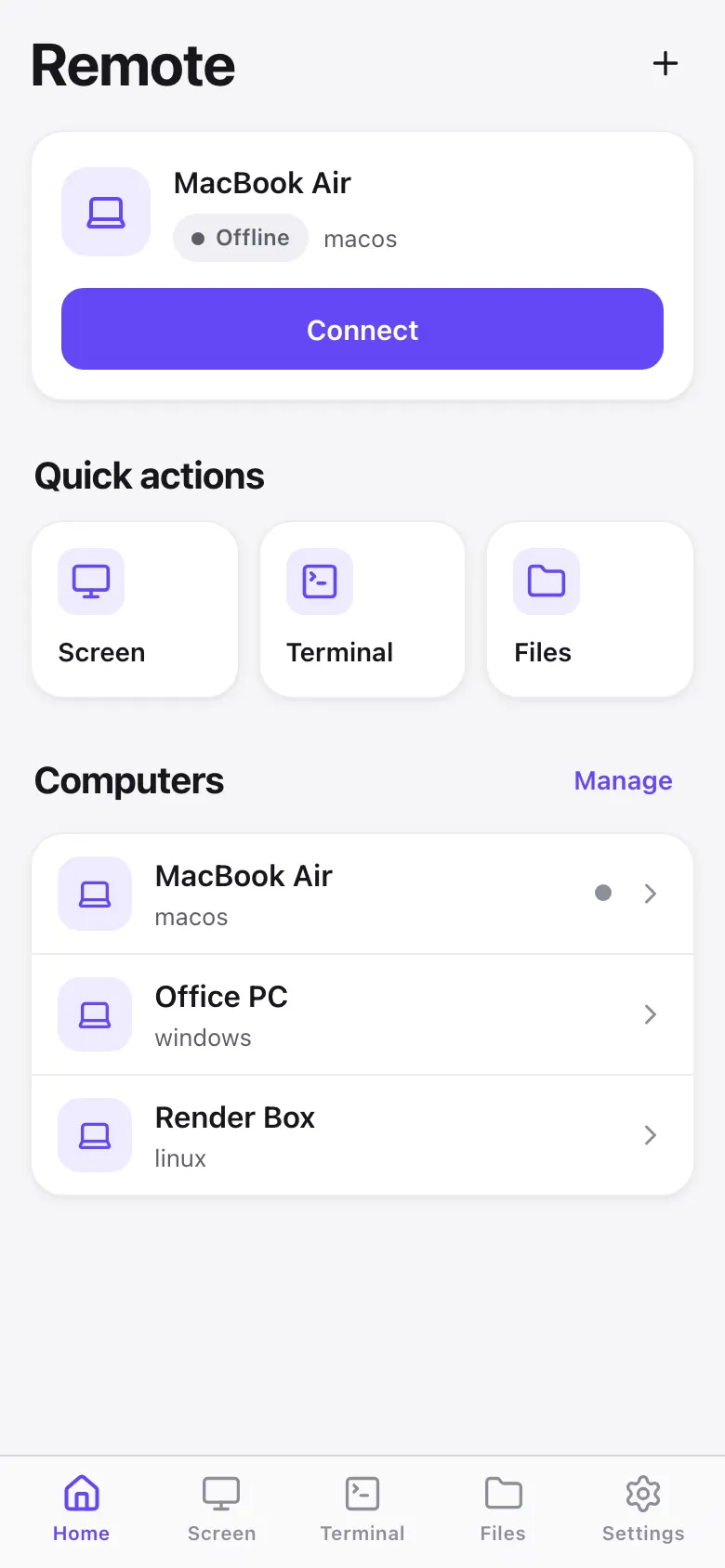
Open your Mac, PC or Linux machine from another computer or your iPhone: live screen, keyboard, terminal and files in one session. End-to-end encrypted, no account, nothing to trust but the devices you paired yourself.
Why ErtiDesk
Many remote desktop tools start with an account and a cloud service in the middle. ErtiDesk starts with two devices that you own.
0
No sign-up, no sign-in, no dashboard. Devices pair directly with a QR code or a link.
6
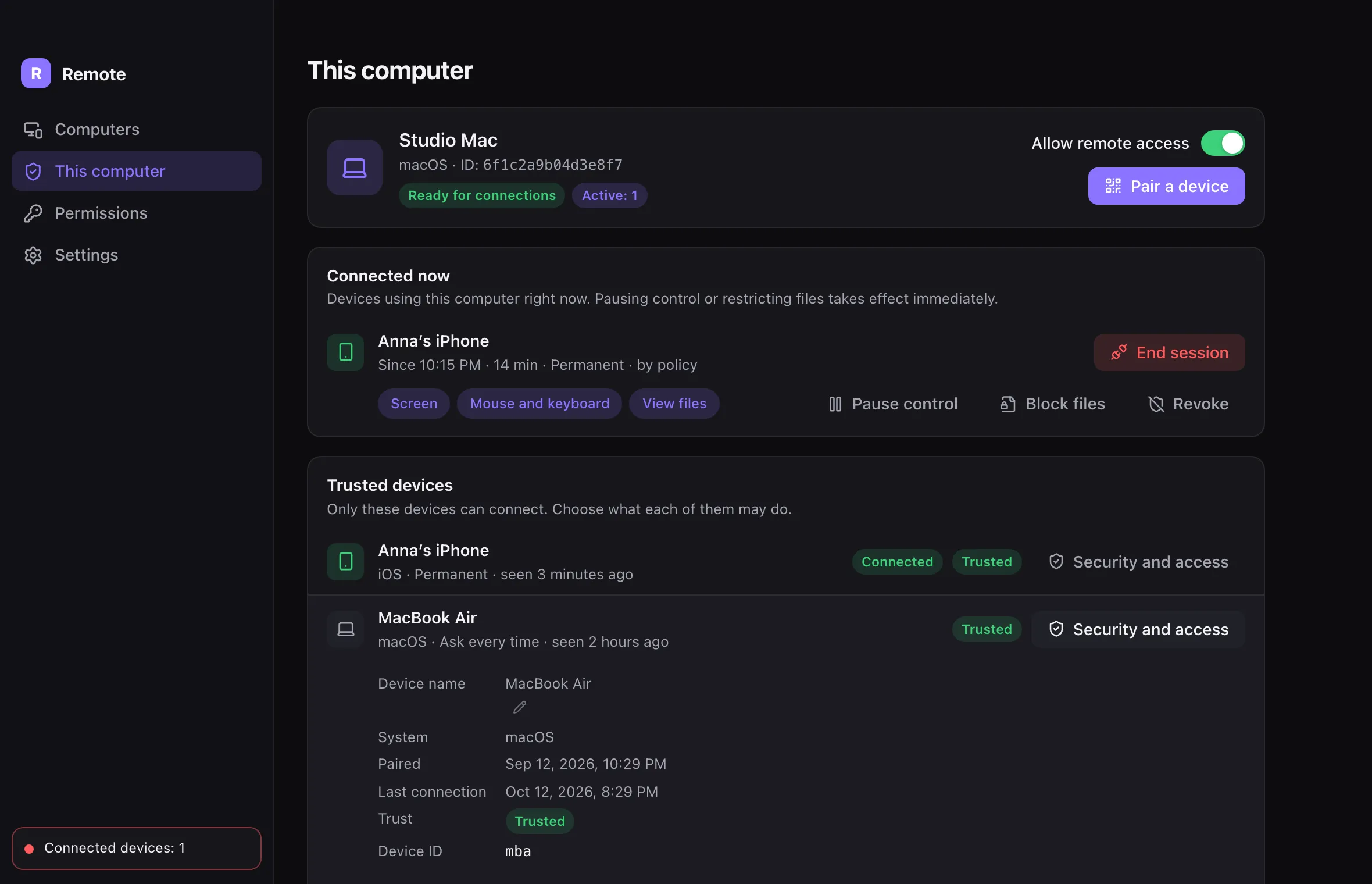
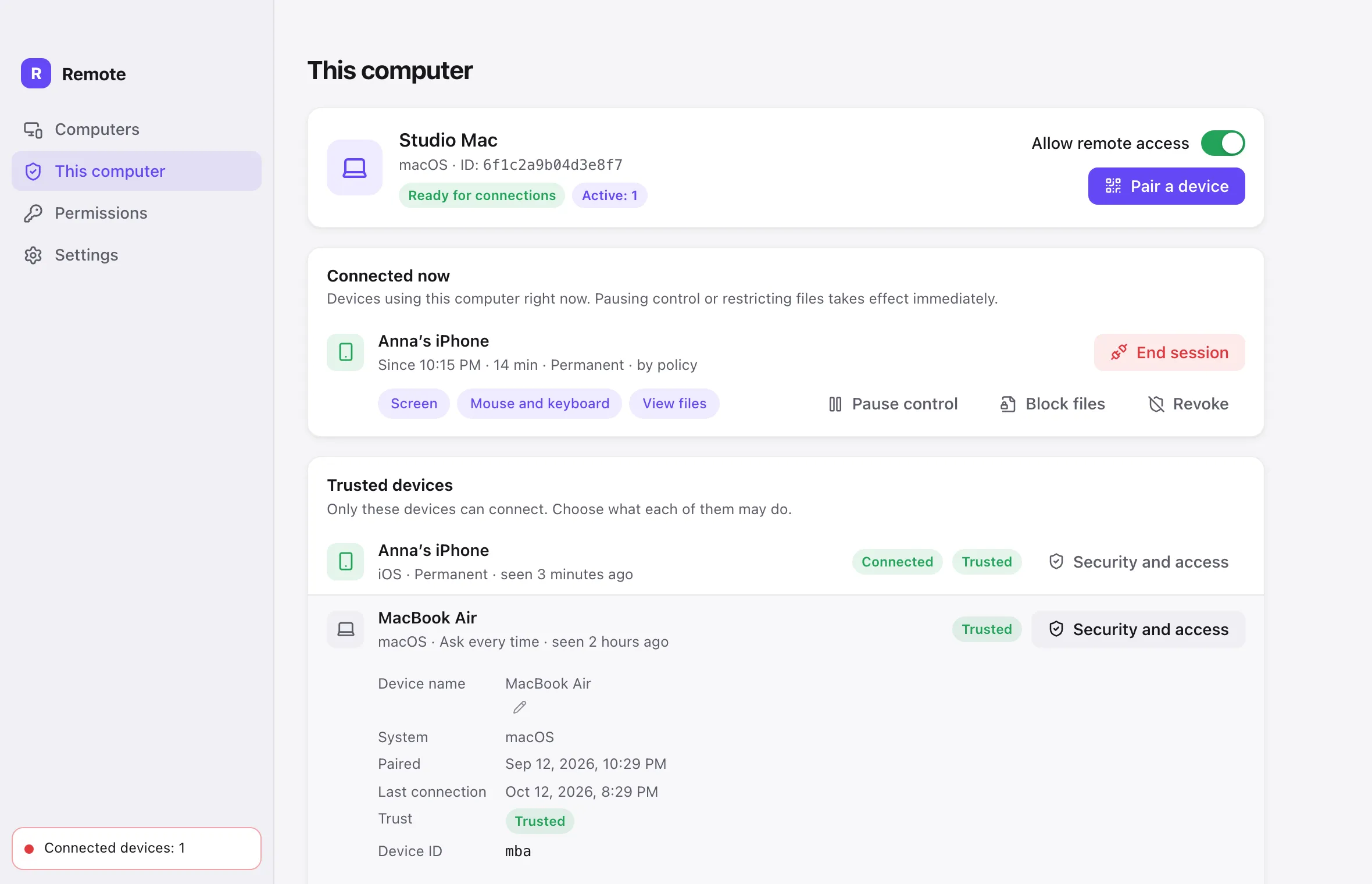
Screen, input, apps, terminal, reading files and writing files — switched on or off for every device, at any moment.
E2E
Our relay passes on messages it cannot read. Your screen, keystrokes, files and terminal stay between your devices.
How it works
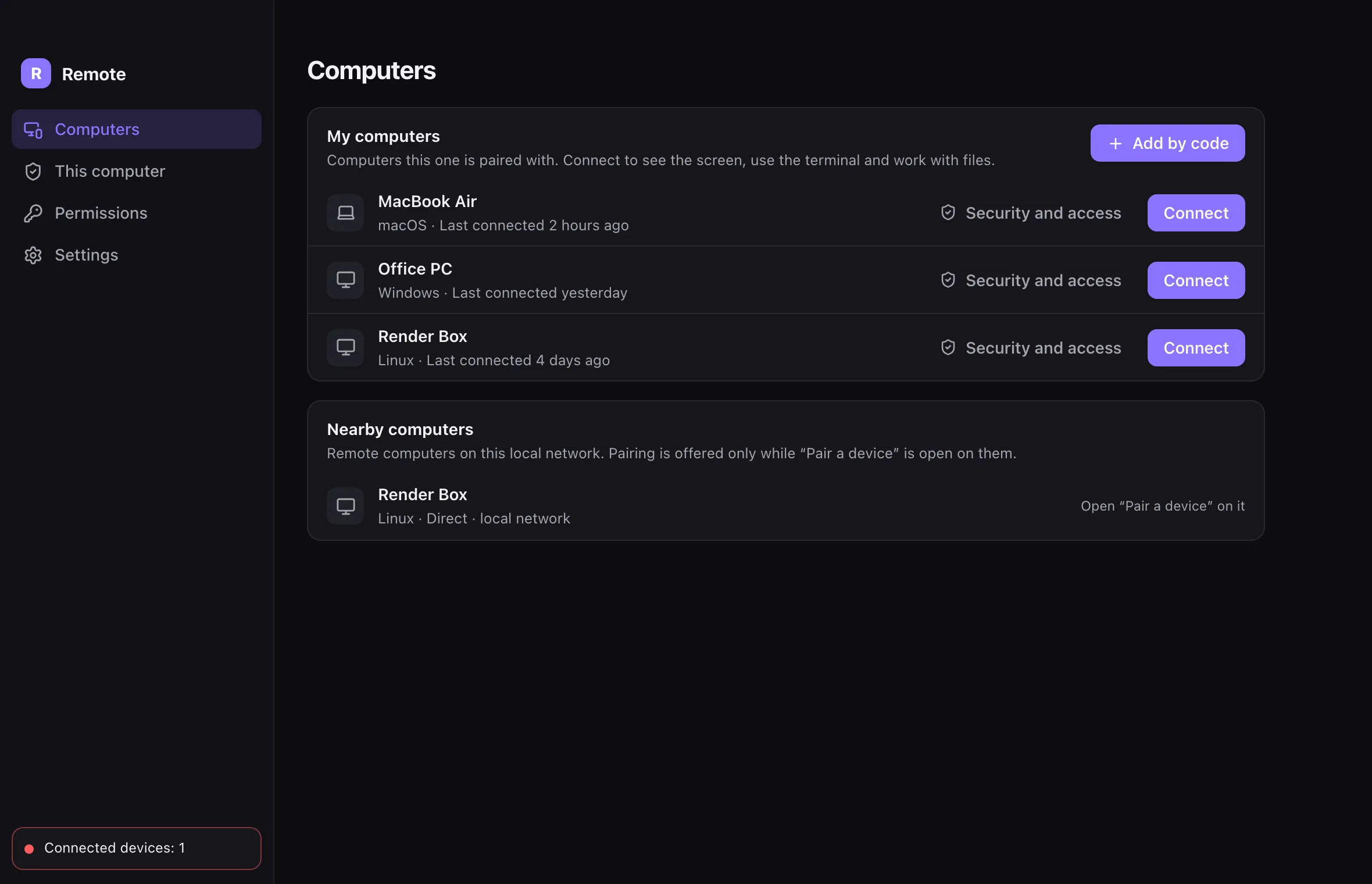
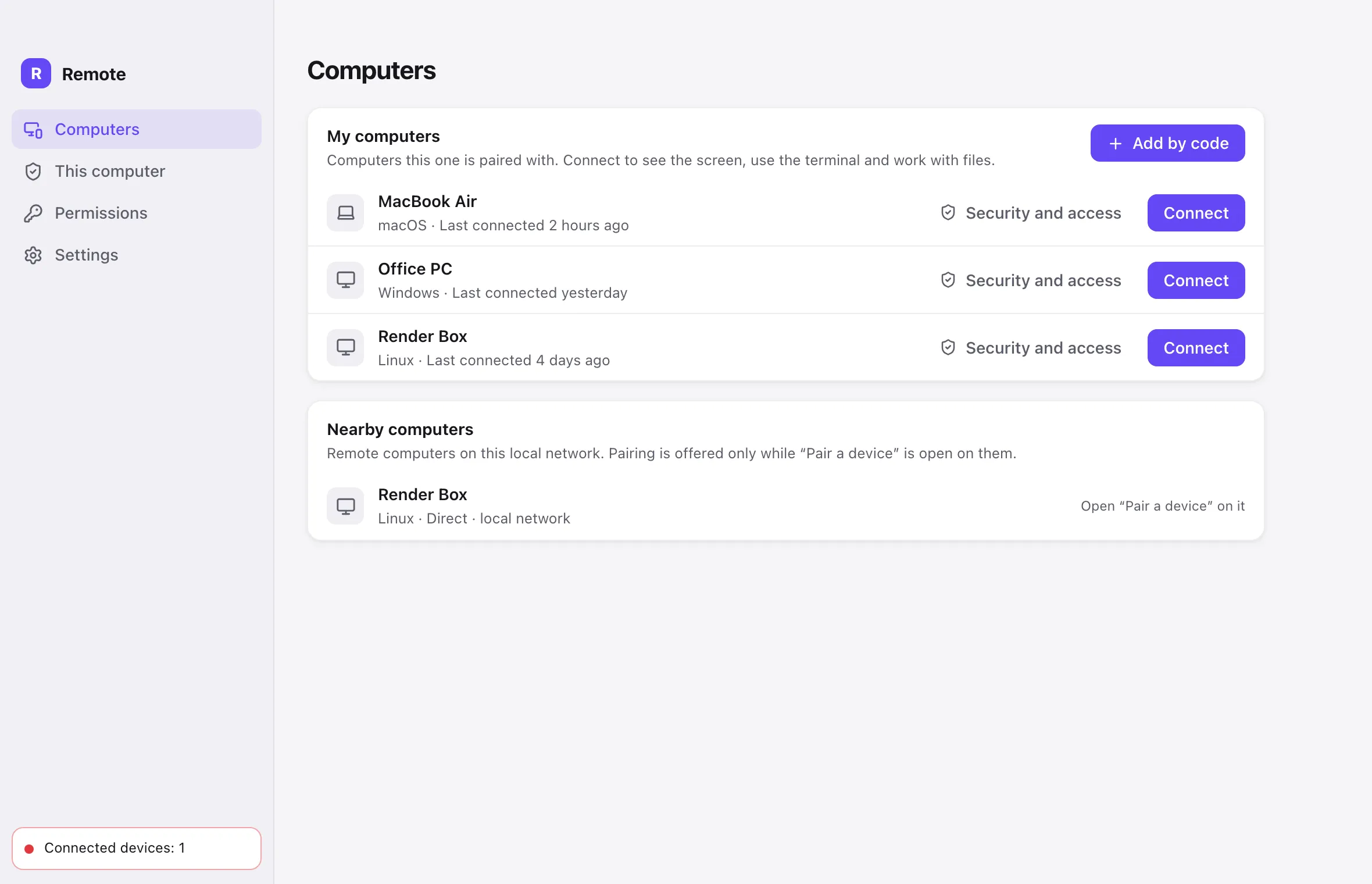
ErtiDesk connects your devices directly. There is nothing to sign up for and no cloud dashboard to trust.
Every desktop installation is both a host and a controller: it can be controlled, and it can control your other computers.
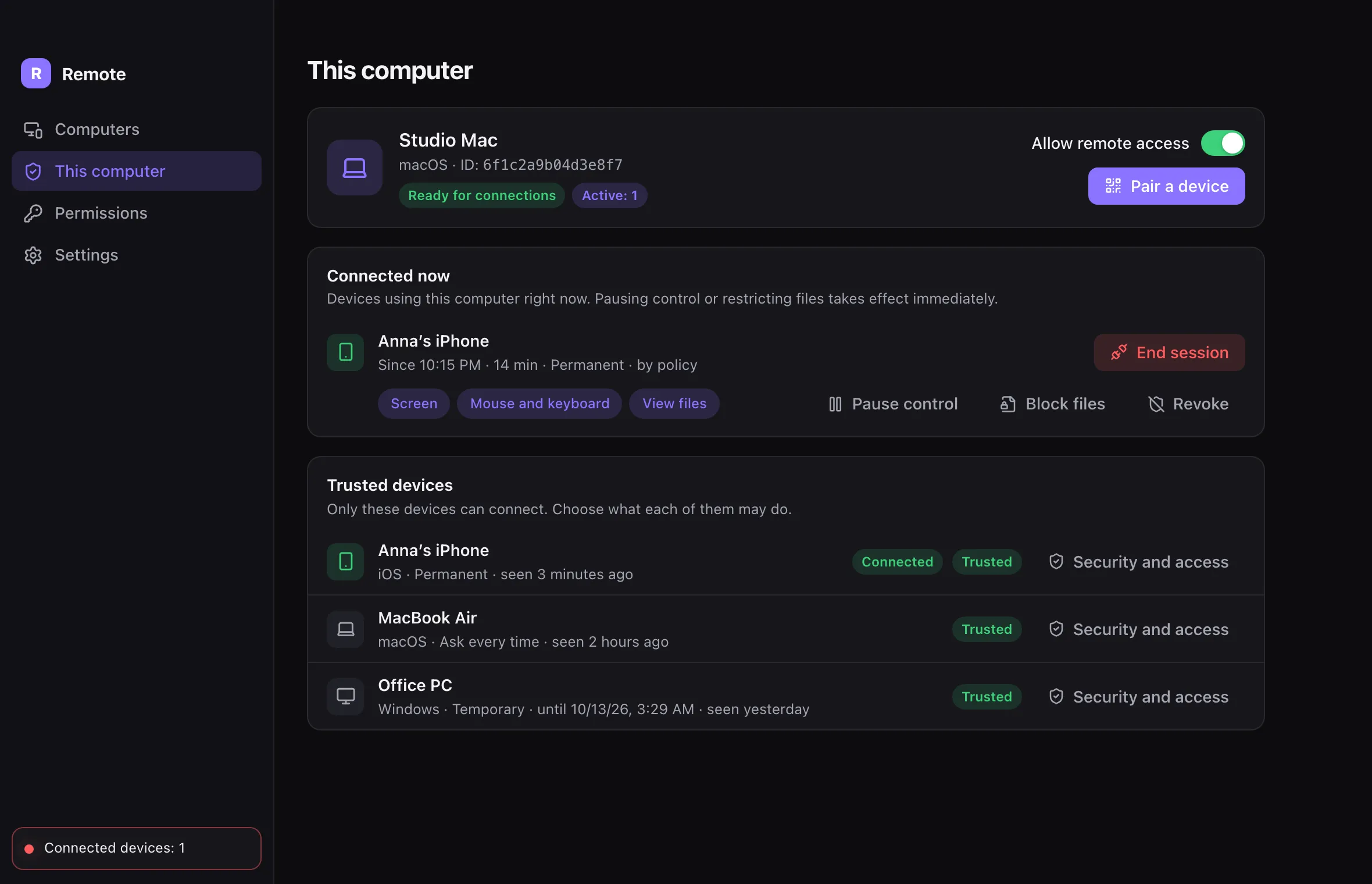
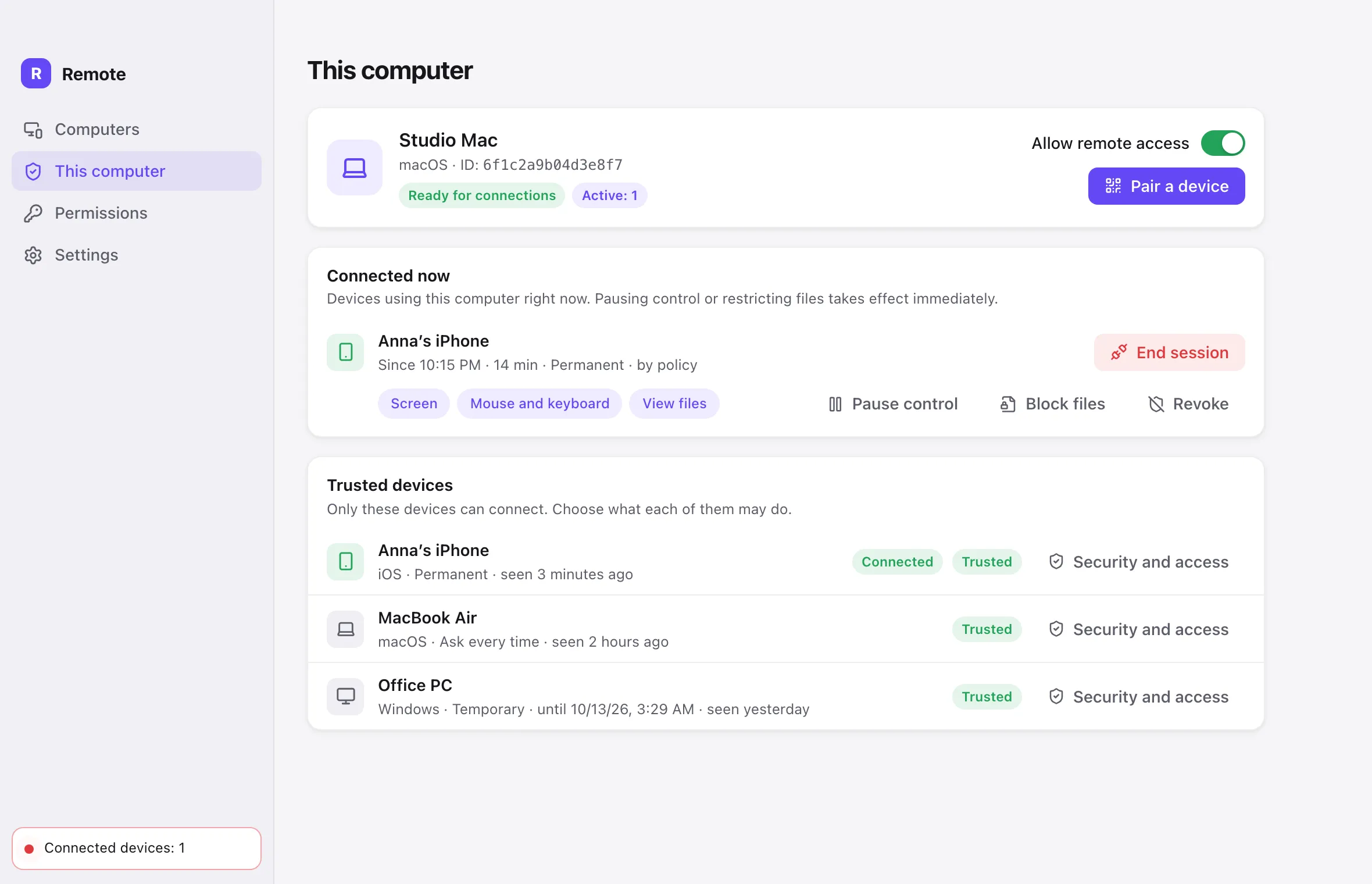
The code is single-use and expires in five minutes. Both devices show the same six-digit code, and you approve the pairing on the computer itself.
Open the live screen with keyboard and mouse, a terminal or the files — from a computer or from your iPhone.
Features
Pick the quality that fits the moment, switch between displays, and send or fetch the clipboard.
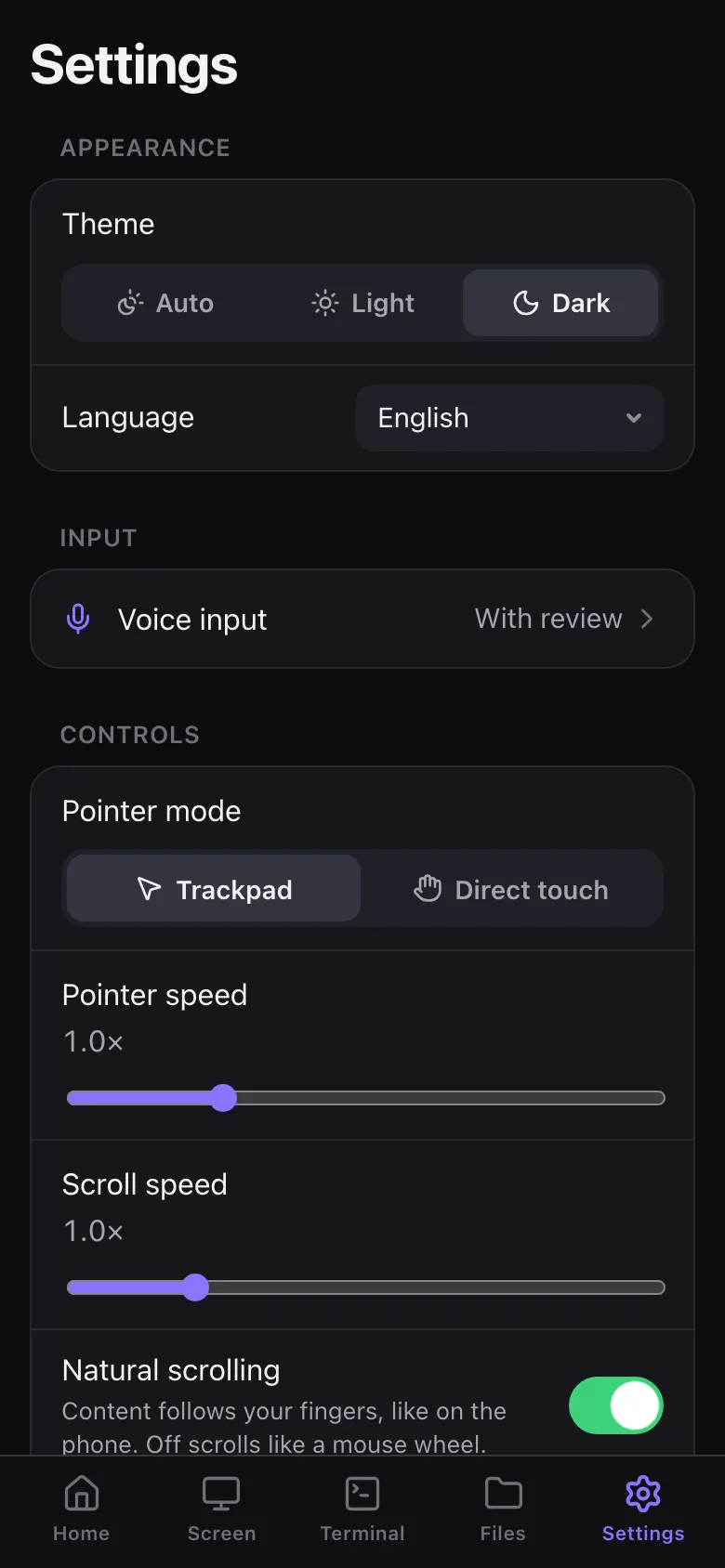
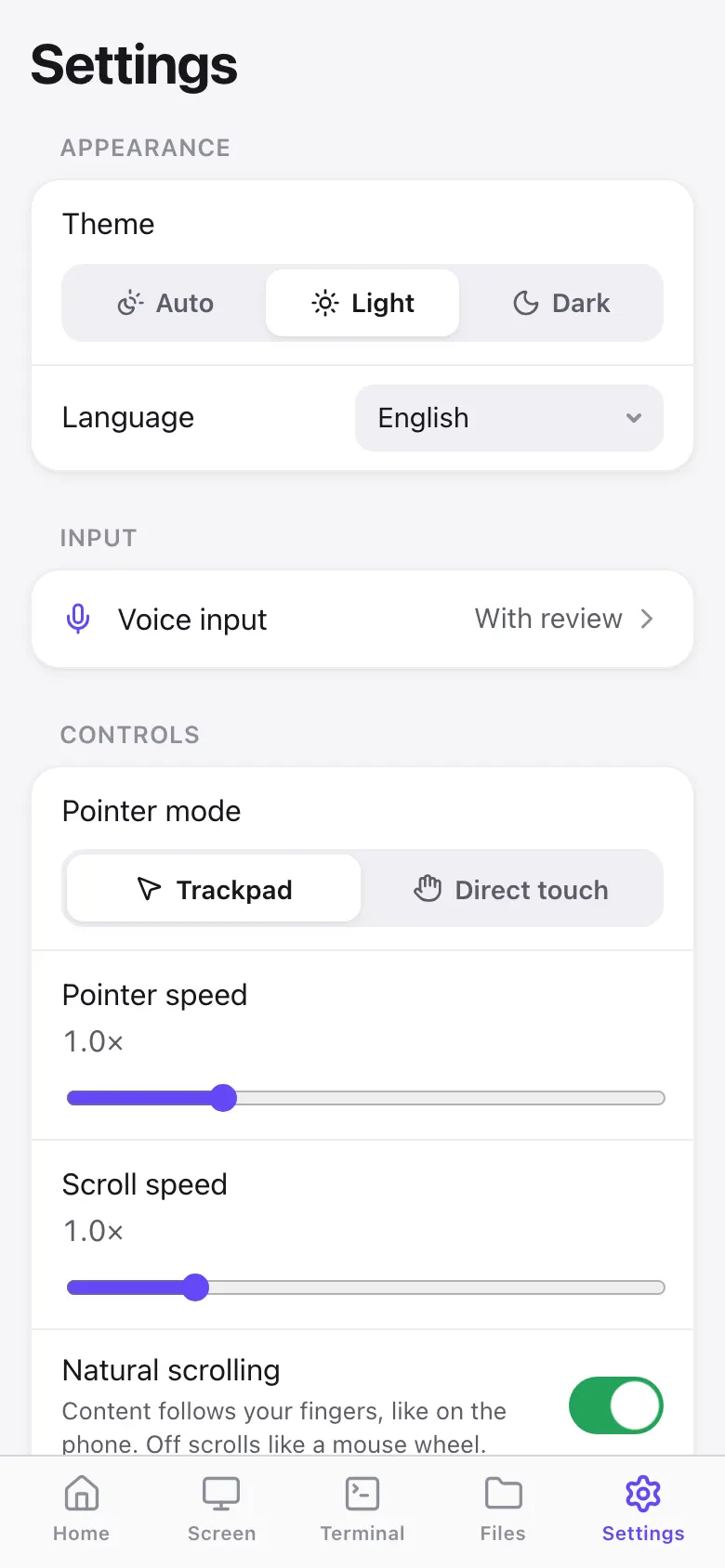
Use it as a trackpad or touch the screen directly. Dictate text with Apple speech recognition or an on-device Whisper model.
A full shell on the remote computer — not a list of canned commands.
Browse, upload, preview PDFs and images, and edit text files with conflict detection. Deleted items go to the Trash.
Keep connections to different computers open at once.
Swap ⌘ and Ctrl between Mac and PC.
Notes about each computer, stored only on your device.
The whole interface, including every security text.
Platforms
Install ErtiDesk on every computer you own — each one can control the others — and take the controls from your iPhone.
Host & controller
Smooth hardware H.264 encoding through VideoToolbox.
Host & controller
Windows 10 or 11 with WebView2.
Host & controller
X11, or Wayland through the screen-sharing portal.
Controller
Controls your Mac, Windows and Linux computers.
Security & privacy
ErtiDesk uses standard, well-reviewed cryptography from audited libraries — it doesn’t invent its own ciphers.
A relay can see
It never sees
Each installation creates its own Ed25519 and X25519 keys, stored in Keychain, Credential Manager or Secret Service.
A random 256-bit single-use token that expires in five minutes, a six-digit code to compare, and approval on the host.
Signaling is sealed with X25519, HKDF and XChaCha20-Poly1305. Relays forward messages they cannot read.
Screen and data travel over WebRTC DTLS-SRTP, cryptographically tied to the identities you paired.
Screen, input, apps, terminal, reading files and writing files — checked on every request, revocable at any moment.
Permanent, ask every time, or temporary access, with a limit on how long a session may last.
See who connected and when. Connection history keeps metadata only.
On iPhone, ErtiDesk can ask for Face ID or Touch ID before every connection.
Use cases
Check on a long export or close an app on your Mac — right from your iPhone.
Open a terminal on the computer in the other room and run the command there.
Grab the document you left on the other computer without emailing it to yourself.
Give a family computer “ask every time” access, so nothing happens without a yes.
Download
ErtiDesk is almost here. Installers for macOS, Windows and Linux and the iPhone app will be available on this page at release.
By downloading or using ErtiDesk, you agree to the ErtiDesk End User License Agreement and acknowledge the ErtiDesk Privacy Policy.
Mac with Screen Recording and Accessibility permissions
Windows 10 or 11 with WebView2
X11, or Wayland with xdg-desktop-portal
Controls your computers
FAQ
No. Devices pair directly with a QR code or a link. There is no account, sign-in or cloud dashboard.
On your local network it works out of the box: each desktop app includes its own relay and finds nearby computers automatically. Over the internet, ErtiDesk uses a signaling server — the Erti Cloud signaling service or your own — and a TURN relay when a direct connection is not possible. You can set both in Settings → Network. Either way, what you see and type stays end-to-end encrypted.
No. Relays only forward end-to-end encrypted messages. A relay can see technical metadata such as device IDs, IP addresses and traffic timing, but not your screen, input, terminal, files or pairing codes.
macOS, Windows and Linux computers can both control and be controlled. The iPhone app works as a controller. There is no Android app.
Yes. Every paired device has six separate permissions — screen, input, apps, terminal, reading files and writing files — and an access mode: permanent, ask every time, or temporary. Changes apply to open sessions immediately.
Soon. The download buttons in the Download section above will become active the moment ErtiDesk is released.
No. There are no language models or agents in ErtiDesk. Dictation on iPhone only turns your speech into typed text.
Install ErtiDesk, scan one code, and your computers are in your pocket.